Lead capture
Capture leads at events with your digital business card
Share your digital business card at trade shows, conferences or meetings. Invite the people you meet to send their contact details back through your card, then keep those details organized for your next conversation.
- Works at events and meetings
- No badge system required
- Included with the free card
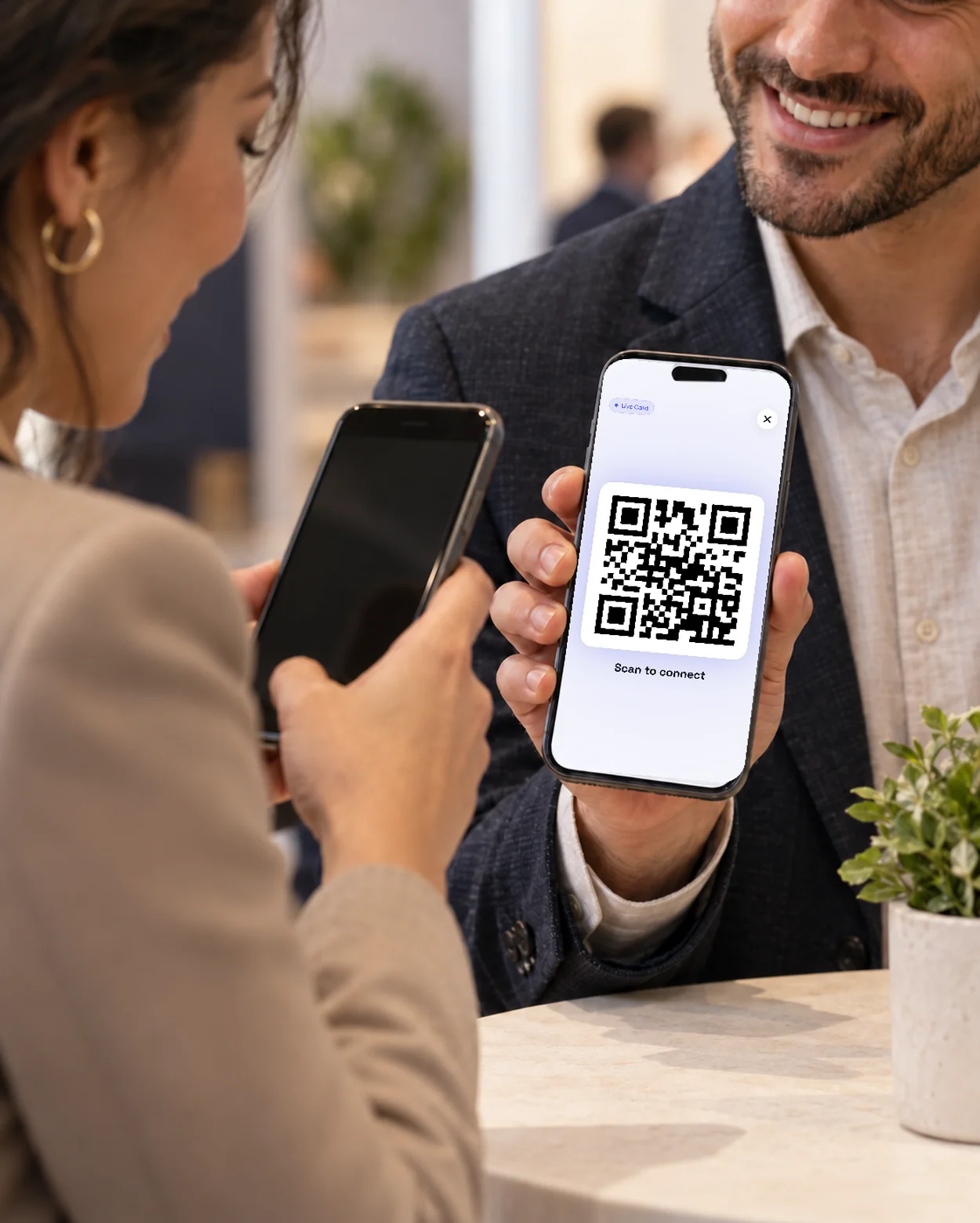
What is lead capture with a digital business card?
Lead capture means collecting contact details so you can follow up. With your digital business card, the other person opens a short form, chooses which details to share and submits them to your account. They need to provide an email address or phone number.
- They open your card and choose which details to share
- The submitted contact is saved to your account, ready for follow-up
- Works at any event or meeting where you share your card
How event lead capture works
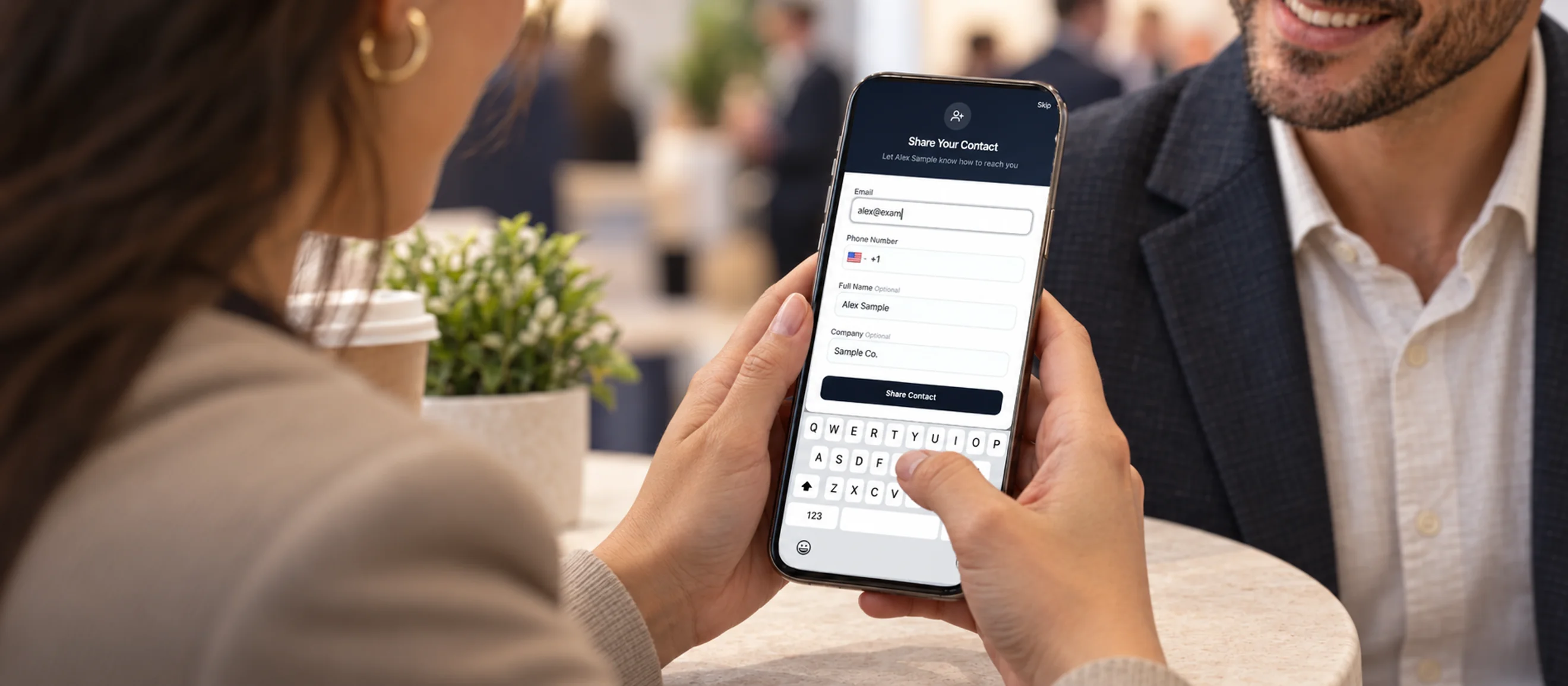
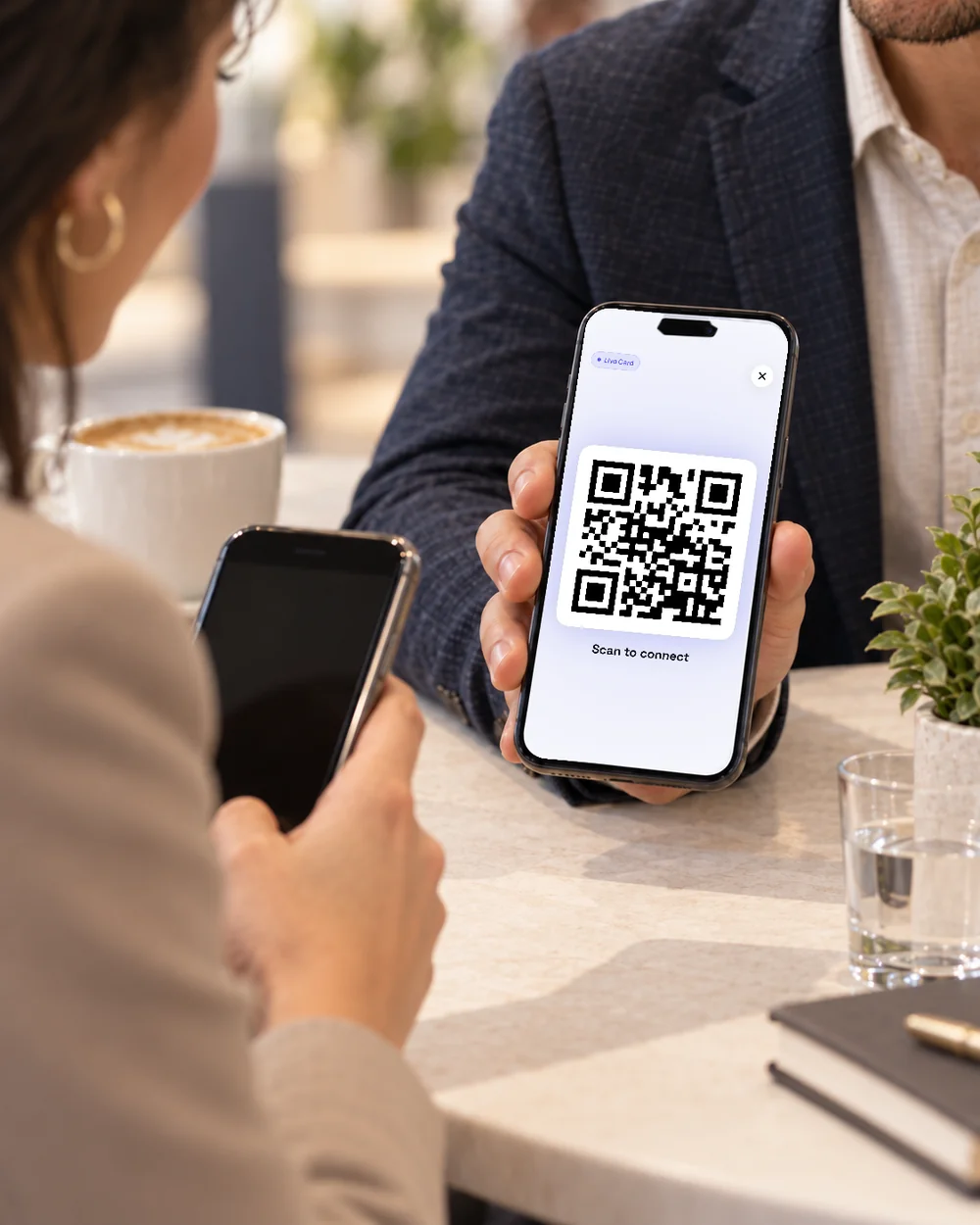
You do the sharing, they decide what to send. Show your QR code, tap your NFC card or send your link; the person you met fills in a short form on their own phone and submits it, and the contact appears in your account. Add a note and follow up when you're ready.
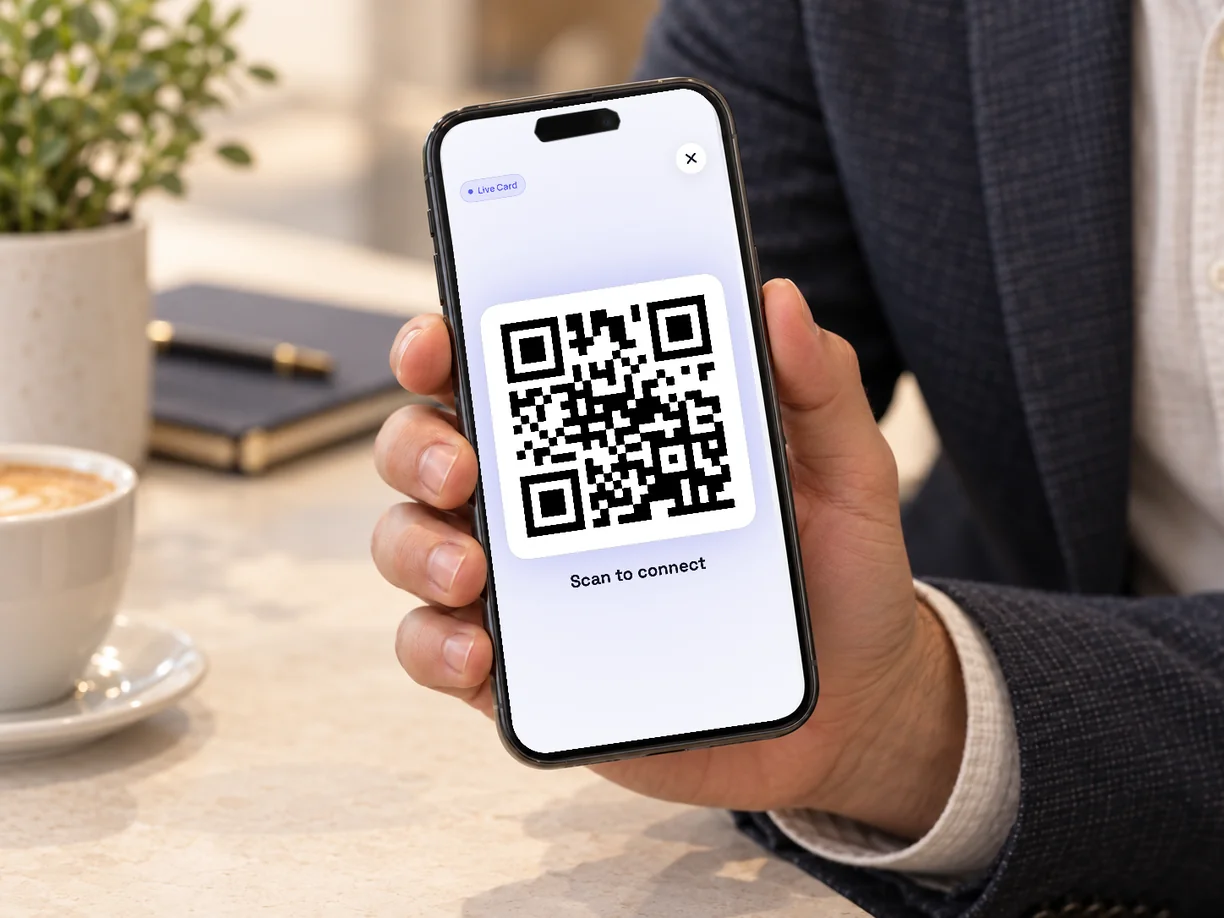
Showing the QR code on your digital card. Share your card
Show your QR code, tap your NFC card, send your link or open the card from your Wallet.
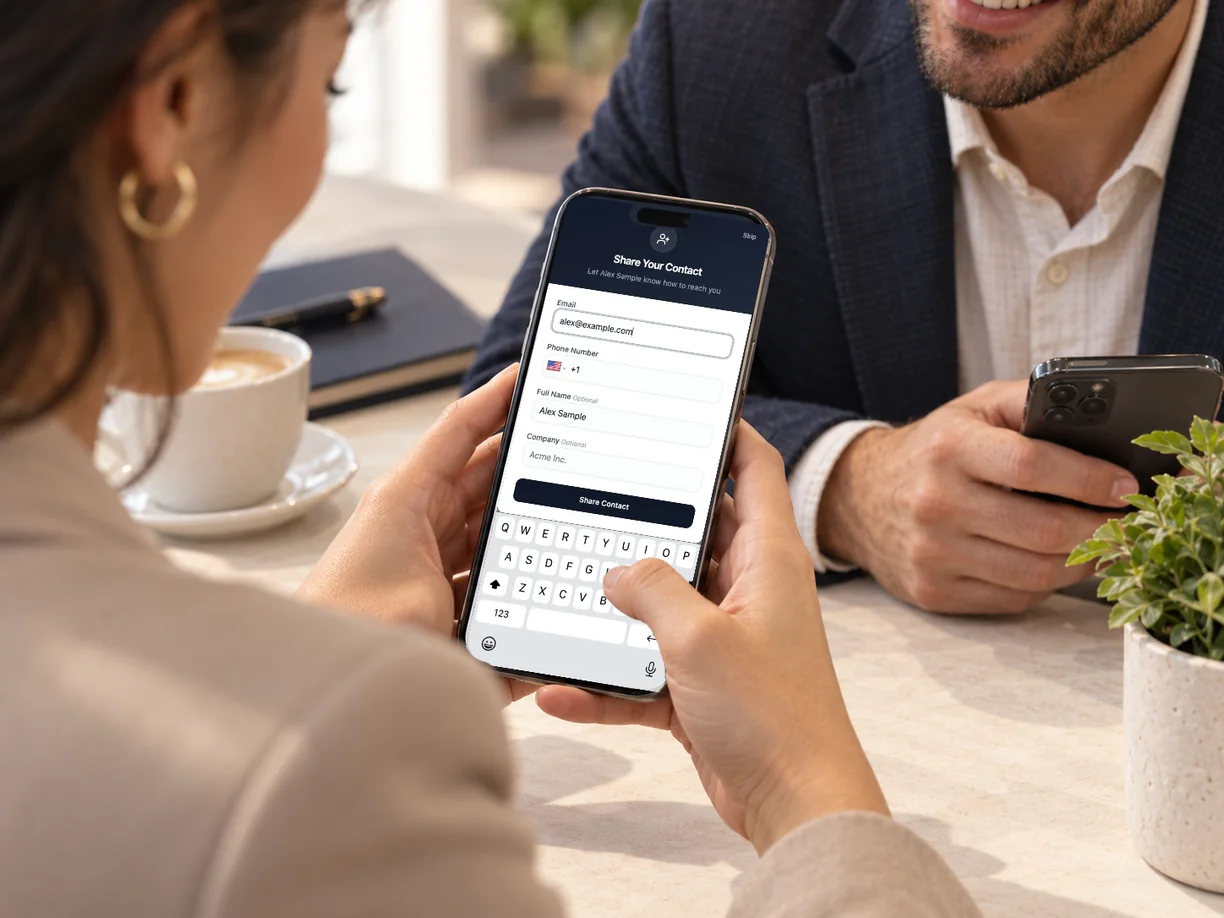
Filling in the short form on their own phone. They choose what to share
The other person enters their name, email, phone and company on their own phone and submits the form. An email address or phone number is required; the rest is optional.
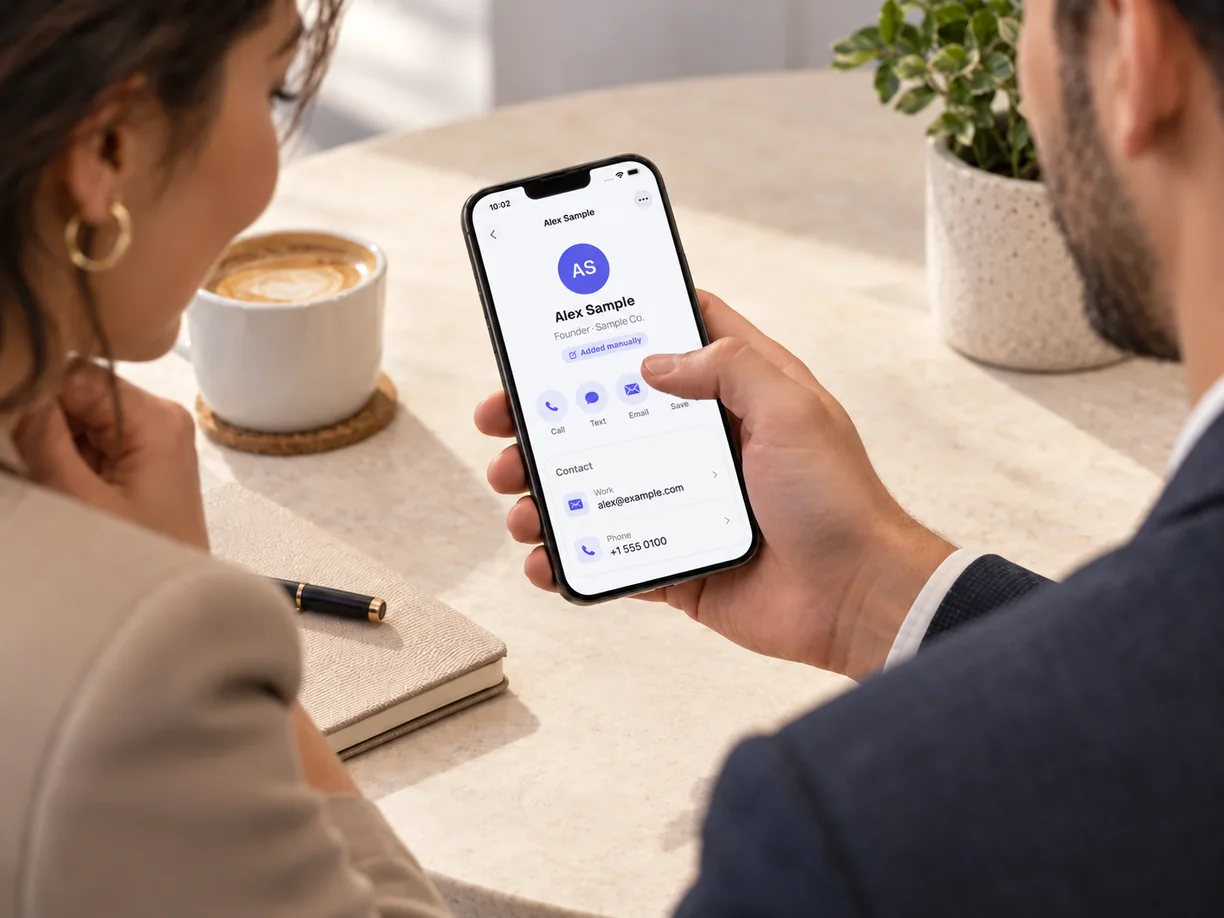
The new contact saved in your account. The contact is saved to your account
It's stored with your other contacts on the web and in the app.
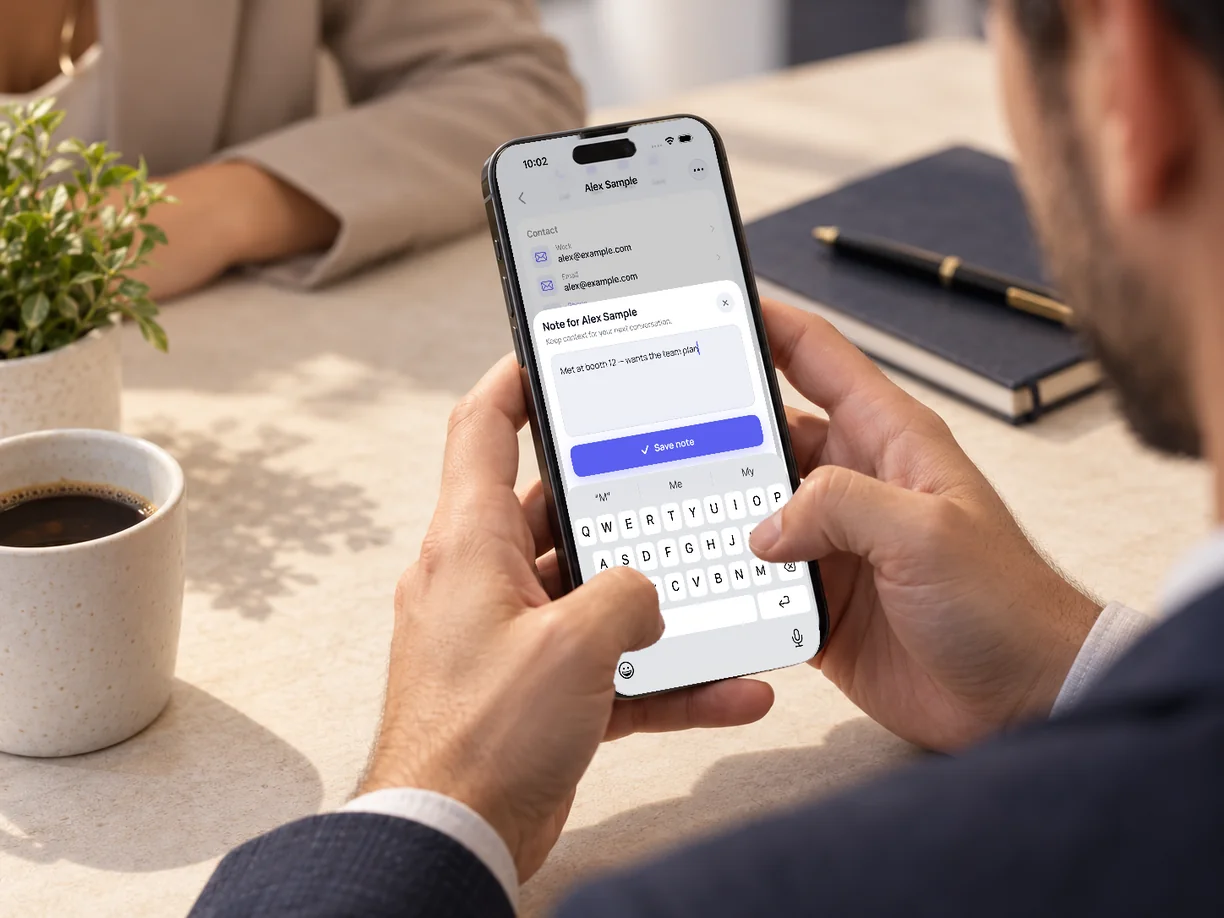
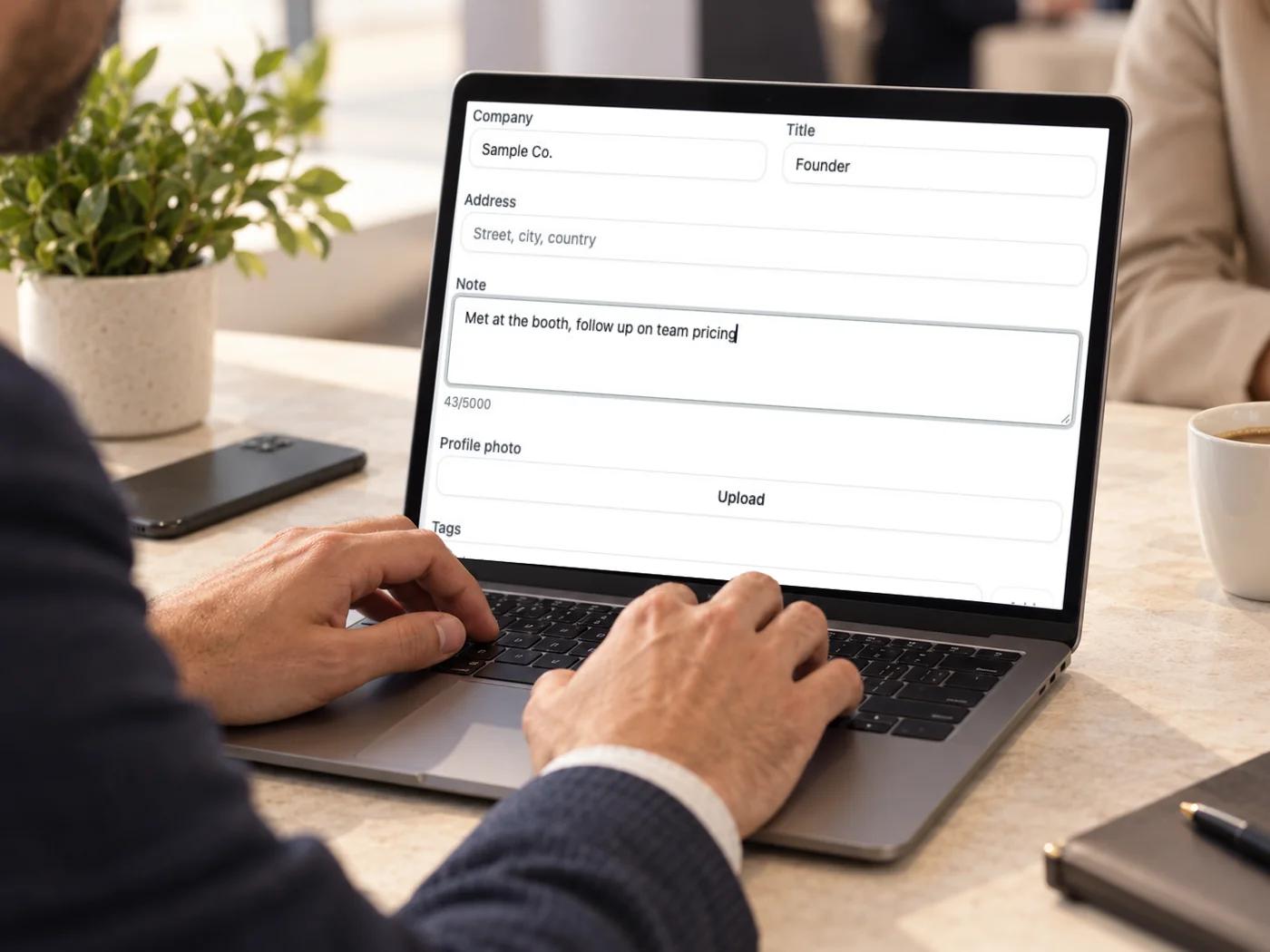
Adding a note before you follow up. Follow up when you're ready
Add a note about what you discussed and reach out on your own schedule.
Trade shows, conferences, exhibitions — and everywhere else
Use the same digital card at a trade show, conference or client meeting. People open your card and submit their details through its form, so this capture method does not depend on an organizer's badge system.
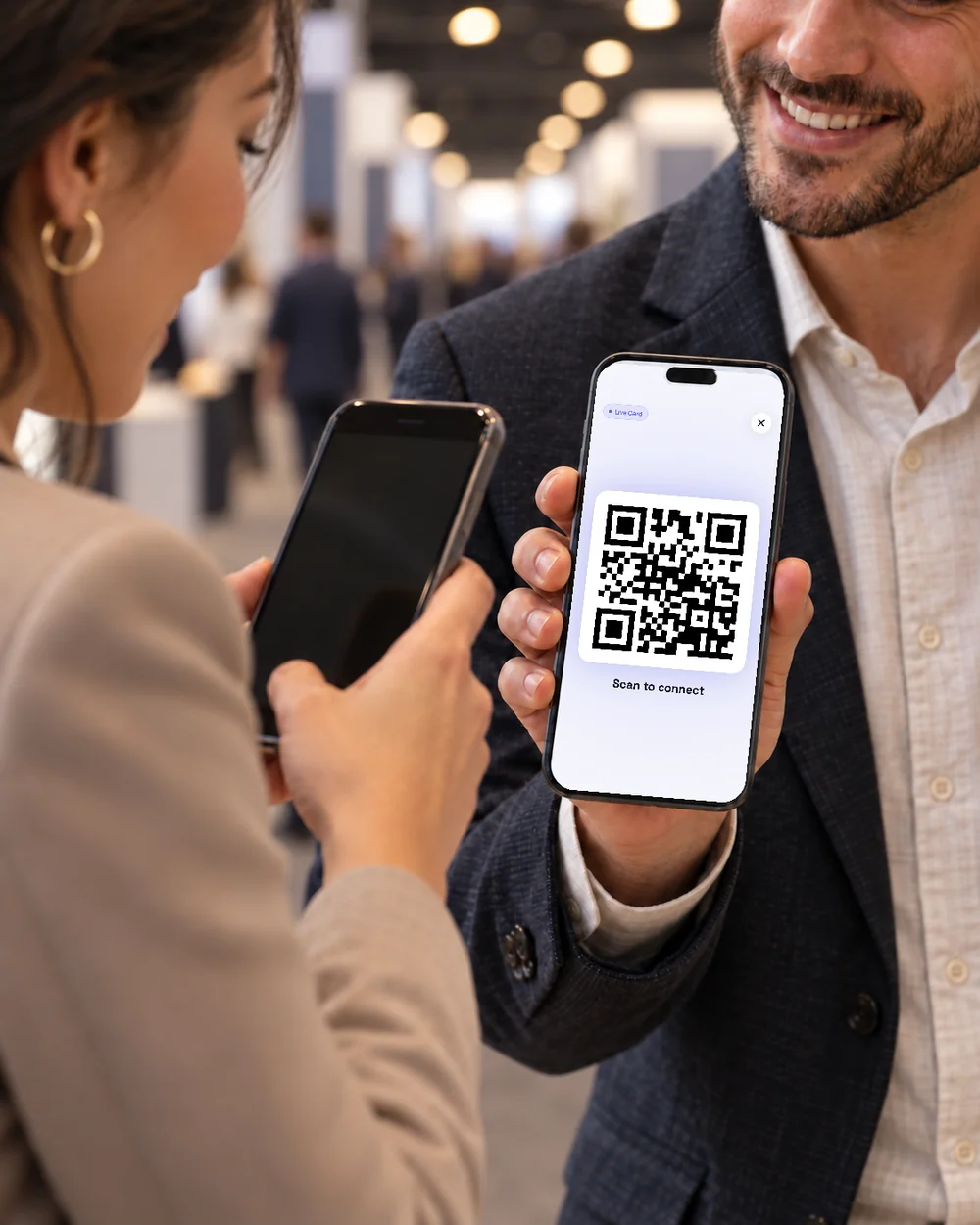
Trade shows and exhibitions, with or without a badge system
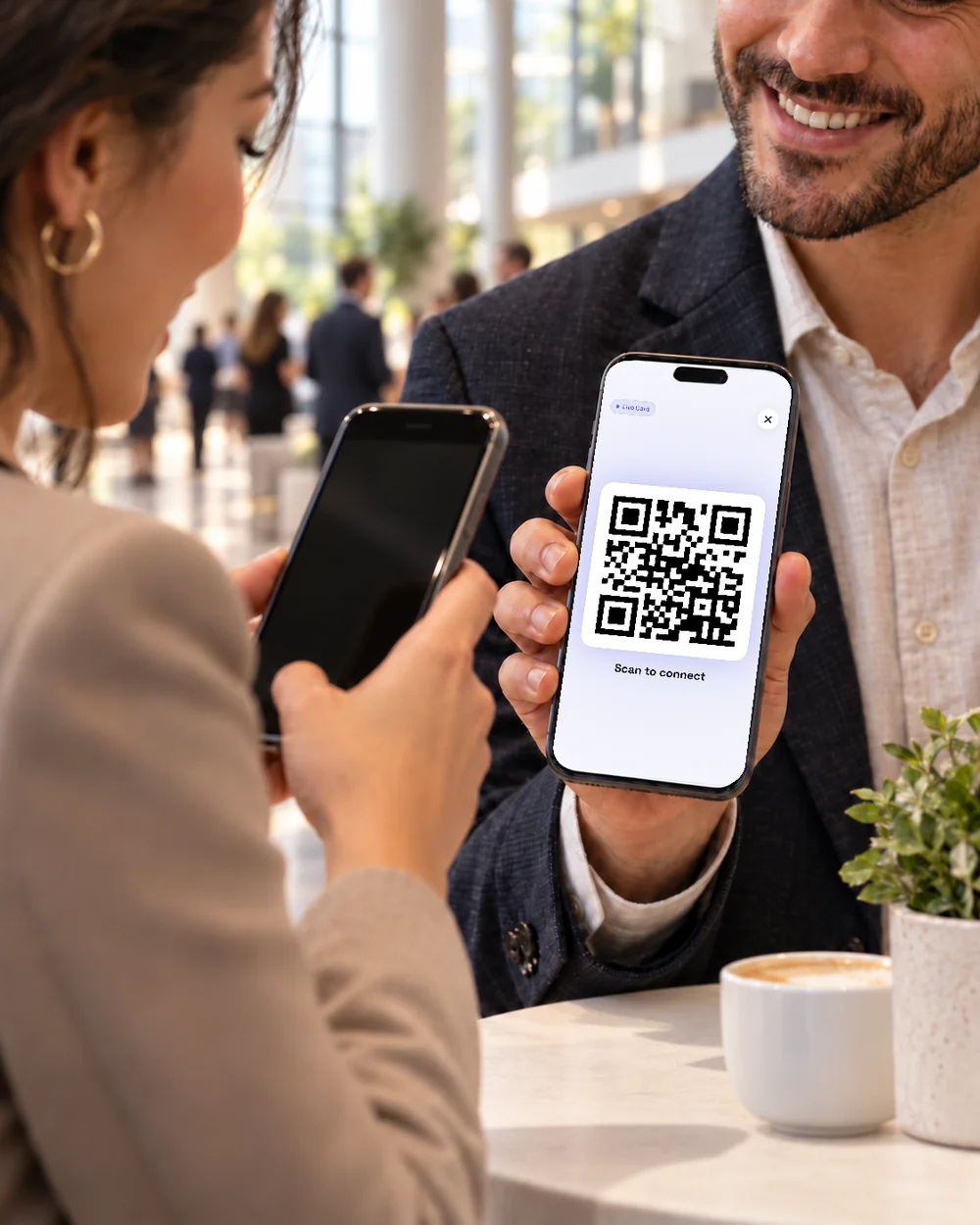
Conferences, meetups and client meetings
Any meeting where you can share your card
Keep the context, not just the contact
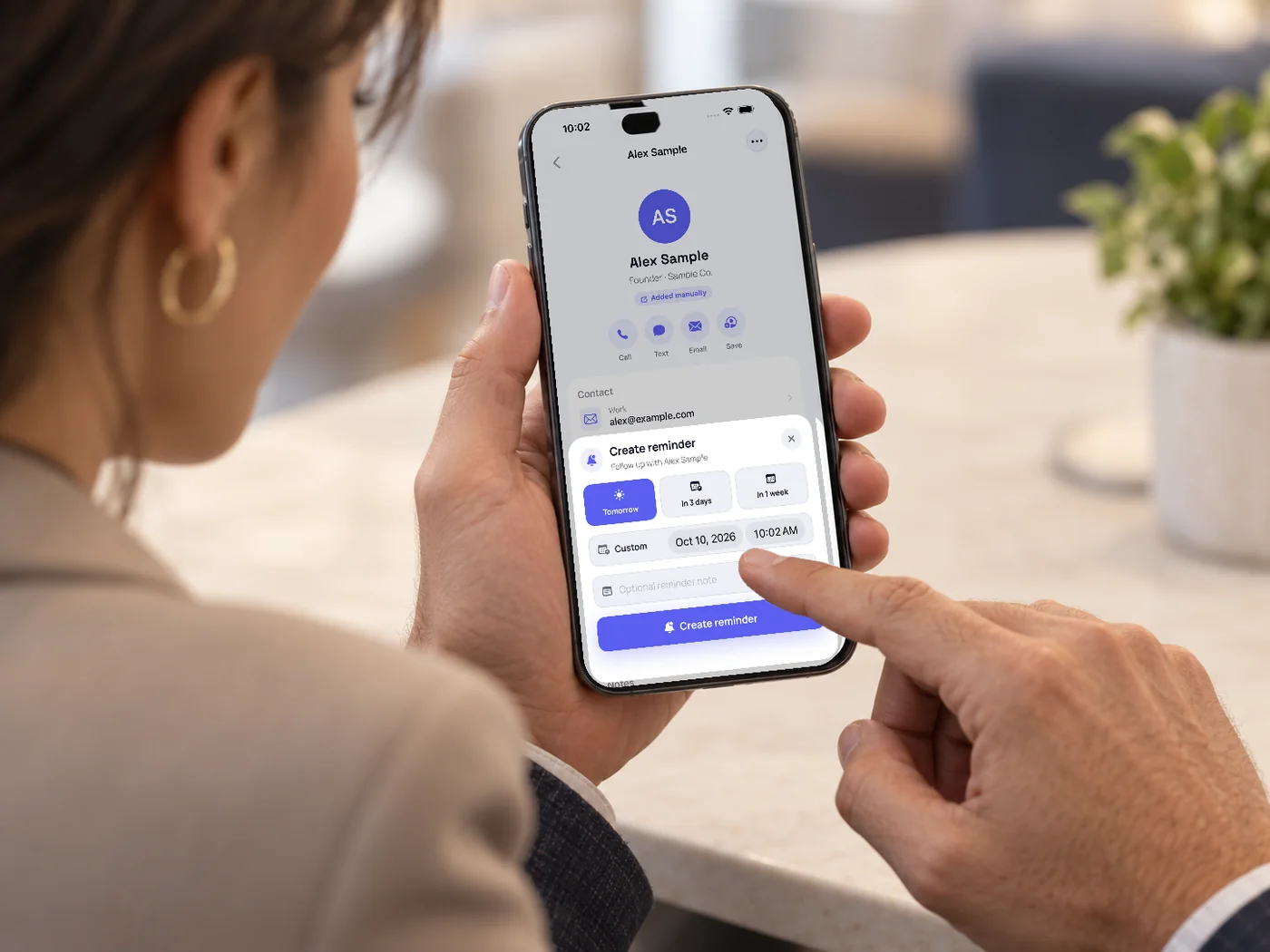
A name without a reason to call is just a name. Add notes about what you discussed, keep your contacts organized and find anyone later on the web. In the mobile app you can set a reminder to follow up and review possible duplicates, so one busy event doesn't leave you with a messy list.
- Notes and organization on the web and in the app
- Follow-up reminders and duplicate review in the mobile app
- Search and find anyone you met, months later
Got a paper card instead? Scan it
Not everyone has gone digital yet. When someone hands you a paper card, photograph it in the app or upload it on the web, and AI turns it into a contact you can review and edit — in the same list as the leads captured through your card.
Business card scannerFor sales teams
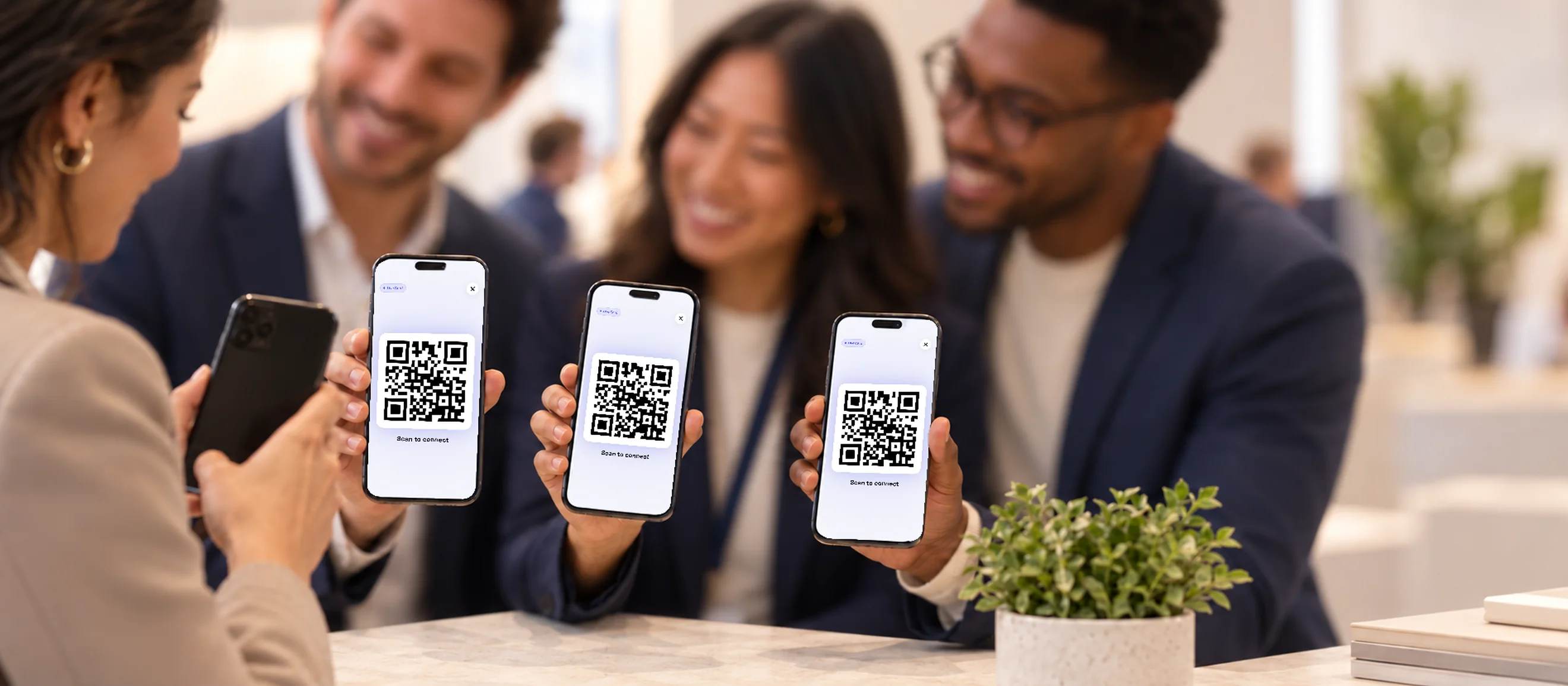
Give every team member a digital business card on one Business account. On Business, an admin can export contacts captured by team members in one CSV. Export a CSV for use in tools that support a compatible import format; field mapping may be required.
- Digital business cards for every team member on one account
- On Business, an admin can export contacts captured by team members in one CSV
- Use the CSV in tools that support a compatible import format; field mapping may be required
Lead capture questions

What does lead capture mean?
Lead capture is collecting the contact details of a potential customer so you can follow up. It is also called contact capture or lead collection. With a digital business card, the person you meet shares their details through your card, and the contact is saved to your account.
What is the difference between lead retrieval and lead capture?
Lead retrieval often uses an event organizer's badge system to collect attendee details for exhibitors. Lead capture with a digital business card runs through your own card: people open it and submit their details through its form, so it does not depend on an organizer's badge system.
How do I capture leads at a trade show without a badge scanner?
Share your digital business card: show the QR code, tap your NFC card or send your link. The visitor opens it, chooses which details to share and submits them on their own phone. The contact is then saved in your account.
What details can the other person share?
Name, email, phone and company. Email or phone is enough to save the contact; the rest is optional.
Do I need a paid plan for lead capture?
No. Sharing your card and receiving contacts back is included with the free digital card. CSV export is available on Premium and Business.
Do I need an app to receive leads?
No. Leads are saved to your Business Card AI account and you can see them on the web. The iPhone and Android apps add reminders and duplicate review on the go.
What is lead capture in a CRM — do you sync with mine?
In a CRM, lead capture usually means web forms feeding the pipeline. Business Card AI is not a CRM: it collects the details people submit through your card. On Premium and Business you can export a CSV for use in tools that support a compatible import format; field mapping may be required. There is no automatic sync.
How do you capture leads quickly?
Let the other person enter their details on their own phone. A tap or a scan opens your card, and a short form lets them submit the details they choose to share while you keep talking.
Can my team capture leads into one account?
On Business, every team member has a digital business card on one account, and an admin can export contacts captured by team members in one CSV.
Make the next introduction count
Invite the next person you meet to share their details through your card, then follow up when you're ready.