Carte de visite NFC
Cartes de visite NFC : un geste, et tout est partagé
Approchez votre carte d'un iPhone ou d'un Android récent : vos coordonnées, liens et réseaux sociaux s'ouvrent instantanément. Aucune application à installer, un QR code au dos en secours, et une carte liée à une carte numérique gratuite que vous modifiez quand vous voulez.
- iPhone et Android
- Sans application
- QR de secours
Les bases
Qu'est-ce qu'une carte de visite NFC ?
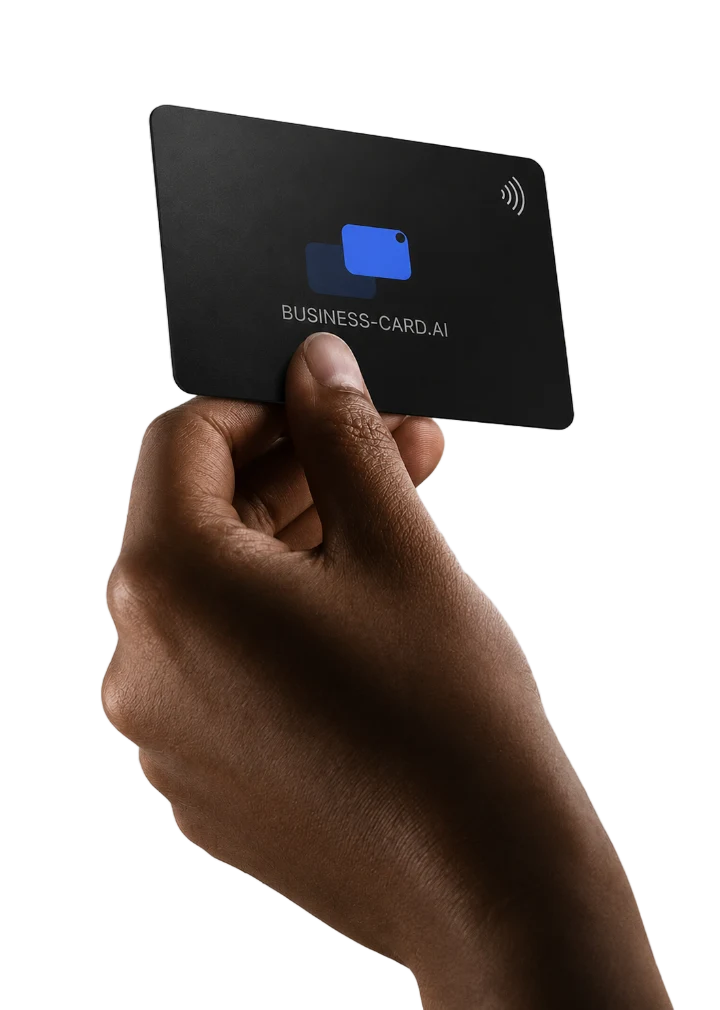
Une carte de visite NFC est une carte physique qui contient une minuscule puce. Lorsqu'une personne en approche son téléphone, la puce envoie un lien vers votre carte de visite numérique, qui s'ouvre aussitôt dans son navigateur. Elle voit vos coordonnées, liens et réseaux sociaux, et peut vous enregistrer dans ses contacts en un geste.
- 01
Une puce sans contact intégrée à une carte résistante
- 02
Ouvre votre carte numérique d'un simple geste
- 03
Vos interlocuteurs enregistrent votre contact en une étape
Comment ça marche
Comment fonctionne une carte de visite NFC ?
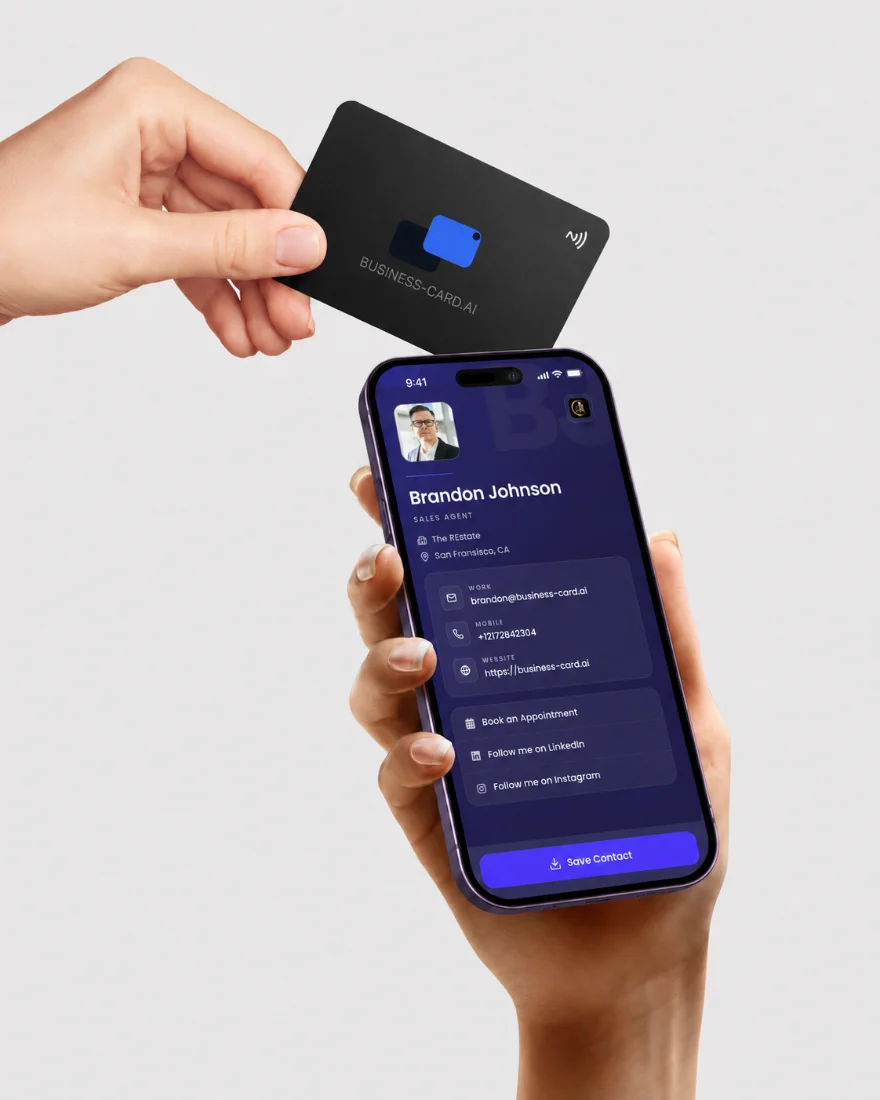
Approchez la carte du haut d'un iPhone ou du dos d'un téléphone Android. Le téléphone lit la puce et ouvre votre profil, sans application d'un côté comme de l'autre. La plupart des téléphones récents prennent en charge le NFC, et le QR code au dos couvre les autres.
- Fonctionne sur les iPhone et Android récents
- Aucune application nécessaire pour lire la carte
- QR code au dos en secours
Toujours à jour
Liée à votre carte numérique gratuite
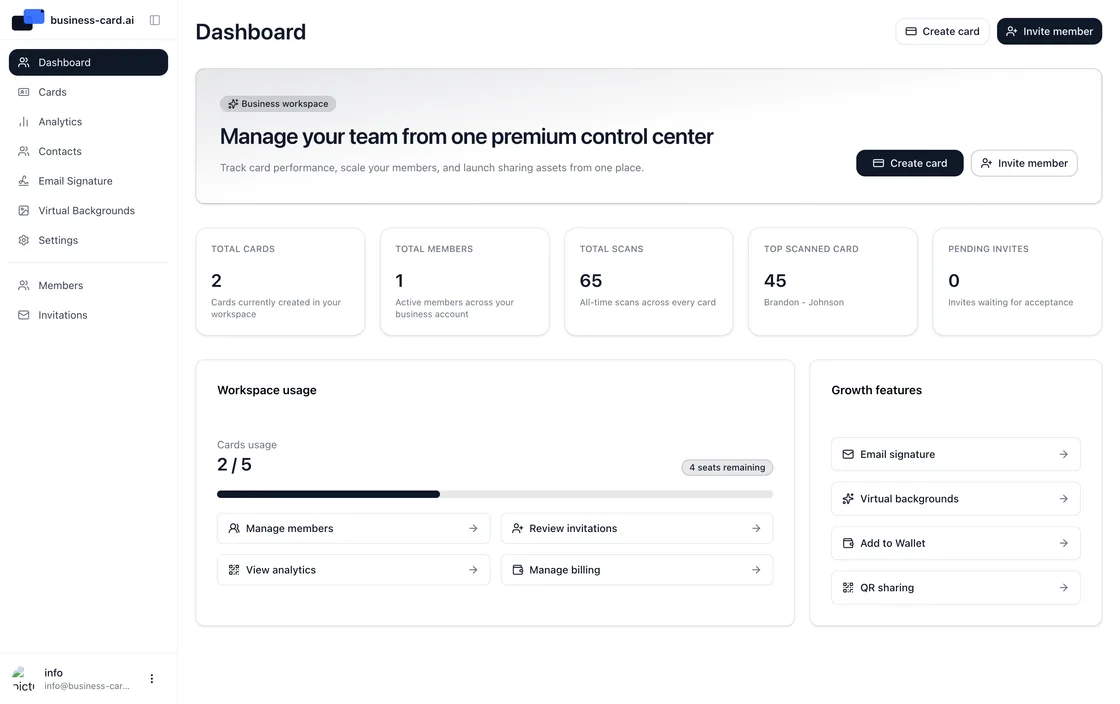
La configuration prend une minute : scannez le QR code de votre carte et un court parcours la relie à votre carte numérique business-card.ai. Dès lors, ce que voient vos contacts est toujours à jour. Mettez à jour vos informations gratuitement dans le tableau de bord, et chaque geste affiche aussitôt les changements, sans réimpression ni reprogrammation de la puce.
- Modifiez vos informations à tout moment dans le tableau de bord
- Les changements apparaissent dès le geste suivant
- Aucune réimpression quand vos informations changent
Pour les équipes
Pour les événements, la vente et les équipes
Sur les salons, en rendez-vous client ou en conférence, un geste va plus vite que d'épeler une adresse e-mail. Les commerciaux partagent leurs coordonnées en quelques secondes, et les équipes offrent à chaque membre une carte cohérente aux couleurs de la marque.
- Partagez vos coordonnées en quelques secondes lors d'événements
- Des cartes cohérentes aux couleurs de la marque pour toute l'équipe
- Pensée pour les commerciaux qui rencontrent du monde toute la journée
Configuration
Comment utiliser une carte de visite NFC
La configuration de votre carte de visite NFC se fait en trois étapes et fonctionne avec un compte gratuit, sans abonnement ni carte bancaire. Scannez le QR code de la carte, liez-la à votre carte numérique gratuite, puis approchez-la d'un iPhone ou d'un Android récent pour partager vos coordonnées.
Commandez la vôtre
Procurez-vous votre carte NFC sur Amazon
Nos cartes de visite NFC physiques sont vendues exclusivement sur Amazon : paiement et livraison passent par la boutique que vous utilisez déjà. À la réception, scannez le QR code de votre carte pour la relier à votre carte numérique gratuite, et vous partagez vos coordonnées d'un simple geste. Sans abonnement.
FAQ

Prêt à transformer votre networking ?
Rejoignez plus de 6 500 professionnels déjà passés à la carte de visite virtuelle. Créez votre carte gratuite dès aujourd'hui et découvrez le networking de demain.