QR Code Business Card
Create a QR code for your business card — free
Make a QR code for your business card that opens your full digital card. Update your details without reprinting, see when and where your card was scanned, and let people save your contact with their phone camera — no app needed.
- Free to start
- No credit card required
- Ready in a few minutes
Dynamic Codes That Stay Current
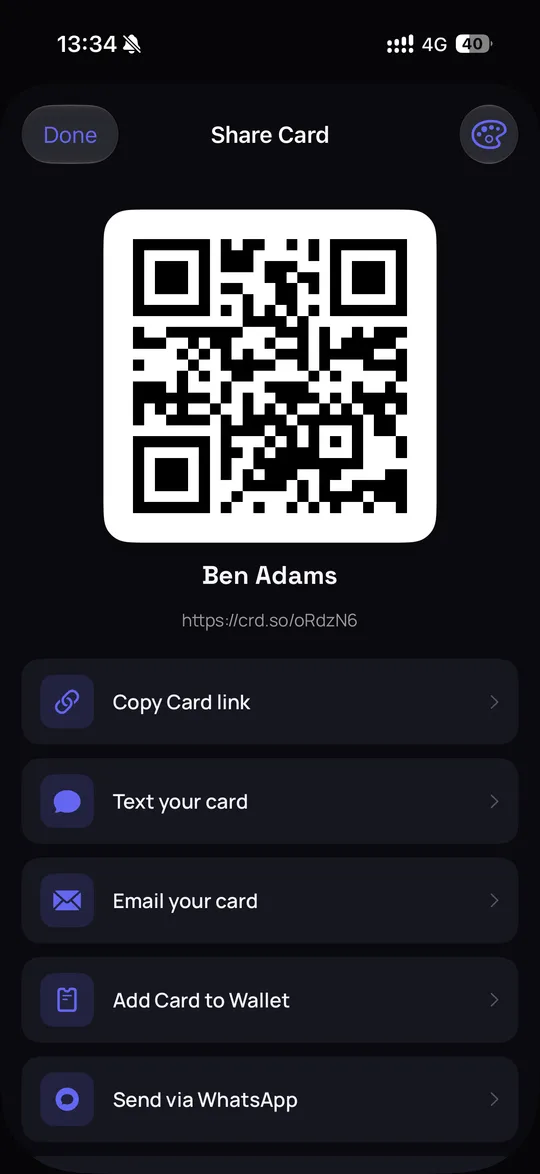
A dynamic QR code points to your live digital card, not to fixed text. Change your phone number, job title or design, and the code already printed on your business card opens the new version right away. You print one code once, and it keeps working as your details change.
- Update card details without generating a new code
- One code for all your printed materials
- Works on every smartphone camera — no app needed
- Instant redirect to your live digital card
Track Every Scan with Precision
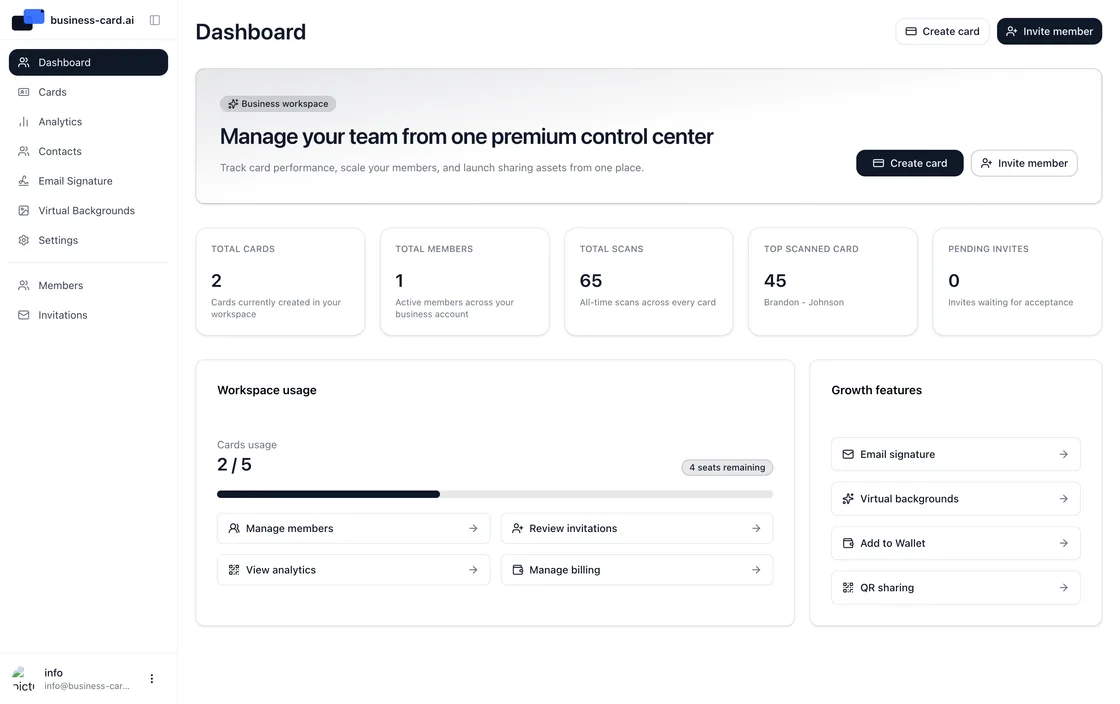
See when and where your card was scanned. Every scan and view is logged with the time, the country and city, and the device type, and you can see which channel brings views: QR, NFC or link. You see how your card performs; the people who scan it stay anonymous.
- Real-time scan tracking with timestamps
- Country, city and device for every view
- Scan frequency and trend reports
- See which channel brings views: QR, NFC or link

Put it on your printed card
Print the QR code at least 2 × 2 cm (0.8 in) so a phone camera reads it from a normal distance. Leave a quiet zone of plain background around the code, and put it on the back of the card, where it has room and doesn't crowd your name and title.
- At least 2 × 2 cm (0.8 in); larger if people scan from further away
- A blank quiet zone on all four sides of the code
- Dark code on a light background, on the back of the card
- Test-scan a printed proof before you order the full run
Free QR Code Business Card — Start Sharing Today
Get a free QR code for your business card with no cost and no commitment. The free plan includes a digital business card, its dynamic QR code, a shareable link and a mobile-friendly card page. No credit card is needed, and the QR code doesn't expire on the free plan.
- Free QR code business card with no expiration date
- Dynamic code that updates without reprinting
- Download a print-ready PNG
- Free QR code for business card works on every smartphone
Business Card QR Code Generator — Built for Professionals
Our business card QR code generator creates the code for you as soon as your card exists. Unlike a basic QR code generator, Business Card AI links the code to a complete digital business card with a vCard download, social links and scan analytics, so one code shares every contact detail.
- One-click QR code generator for business card creation
- People save your contact with a one-tap vCard download
- Every team member's card comes with its own QR code
- Scan analytics built into every card
How to Create a QR Code for a Business Card
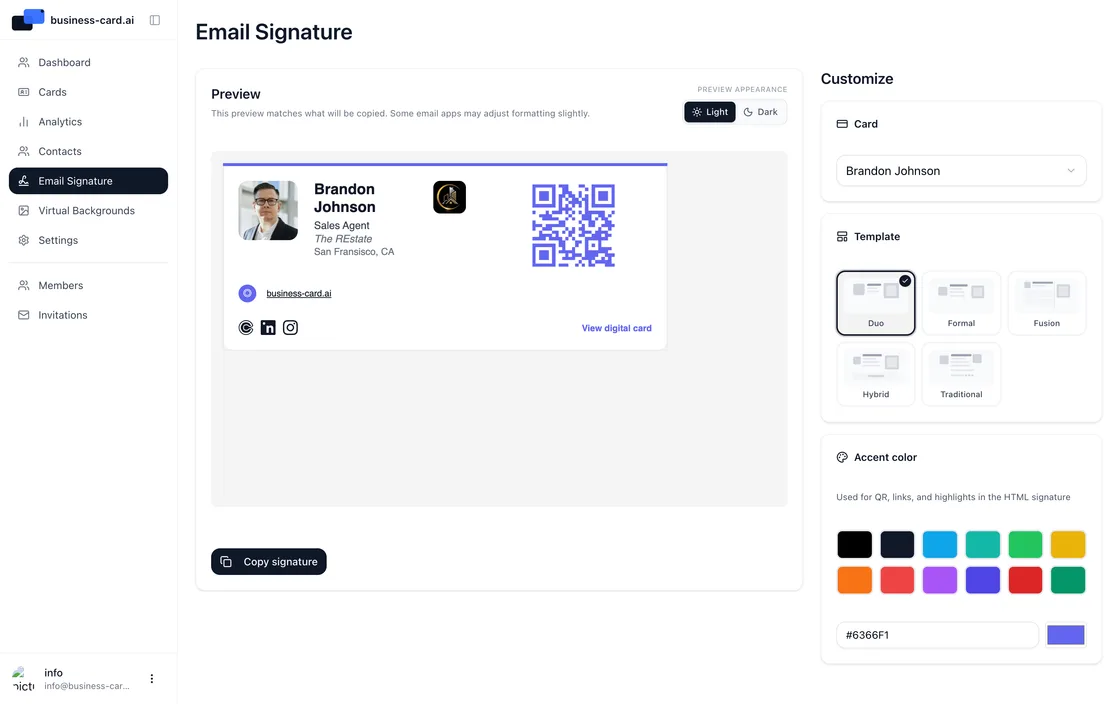
Creating a QR code for your business card takes a few minutes with Business Card AI. Sign up free, enter your details and pick a design, and your QR code is ready. Download it as a print-ready PNG, add it to your email signature or show it on your phone.
- Sign up free and enter your details
- Pick a design for your digital card
- Your QR code is generated automatically
- Download, print, or share your QR code business card anywhere
How to create a QR code business card — free
You can create a QR code business card for free in three steps. Create your digital card, get the QR code that comes with it, then share it and track the scans. It takes a few minutes, needs no credit card, and people scan it with their phone camera.
What is a QR code business card?
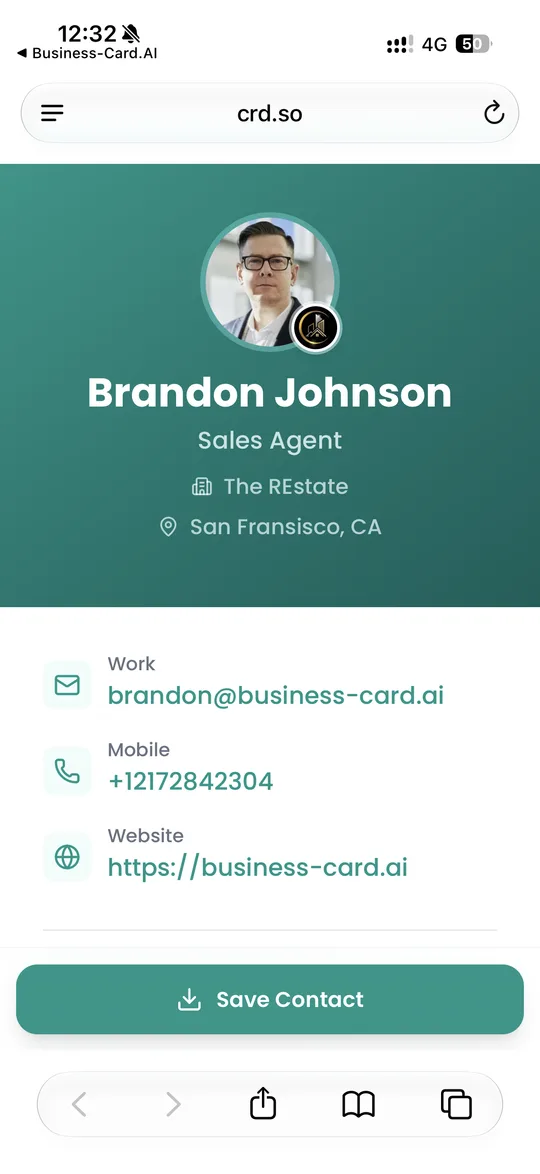
A QR code business card turns your contact details into a single scannable code. Instead of handing over paper, you show a QR code — from your phone screen, an NFC card, a badge or your email signature — and the other person scans it with their camera to open your full digital business card.
business-card.ai lets you create a QR code for your business card in a few minutes: add your name, title, phone, email, website and social links, pick a design, and your QR code business card is ready to share. Because the card lives online, you can update your details anytime and everyone who scans your QR code always sees the latest version — no reprinting, no outdated cards.
Why use a QR code business card generator?
A good business card QR code generator does more than draw a black-and-white square. business-card.ai creates a dynamic, trackable QR code: you see how often it was scanned, when and from where, so every connection becomes measurable. Recipients don't need an app, because scanning opens your card in the browser.
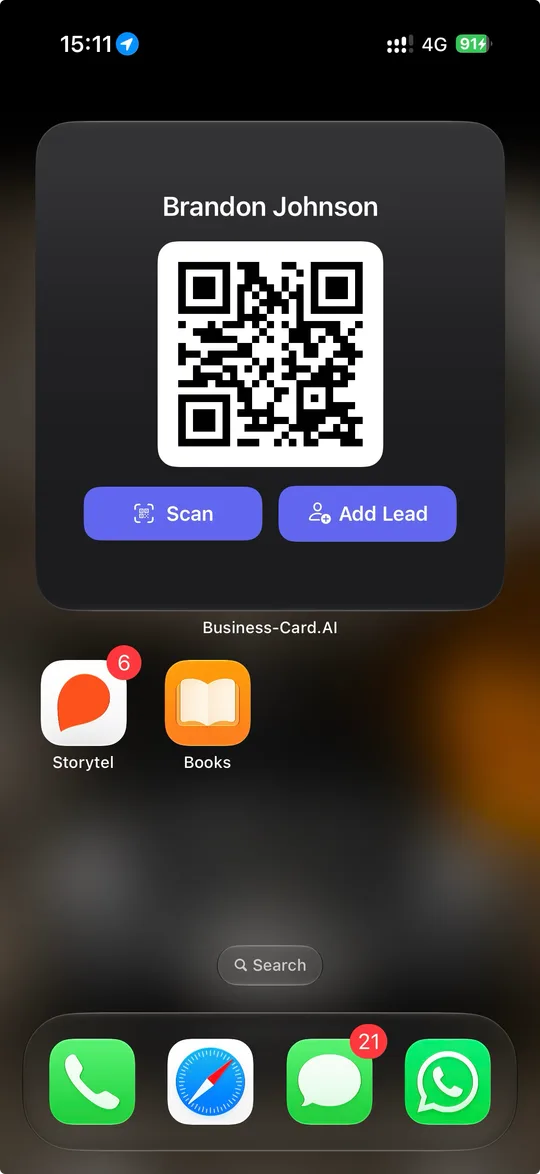
Your QR code works everywhere — print it on a paper card, add it to your Apple Wallet or Google Wallet pass, drop it into your email signature, or show it on your phone at an event. People save your contact with one tap. Create your free QR code business card today and never lose a lead to a lost paper card again.
FAQs

Ready to Transform Your Networking?
Join 6,500+ professionals who've already upgraded to digital business cards. Create your free card today and experience the future of networking.