Your Business Card in Apple Wallet
Add your digital business card to Apple Wallet for instant access. Share it with a QR code scan, always up-to-date, and right next to your boarding passes and credit cards.
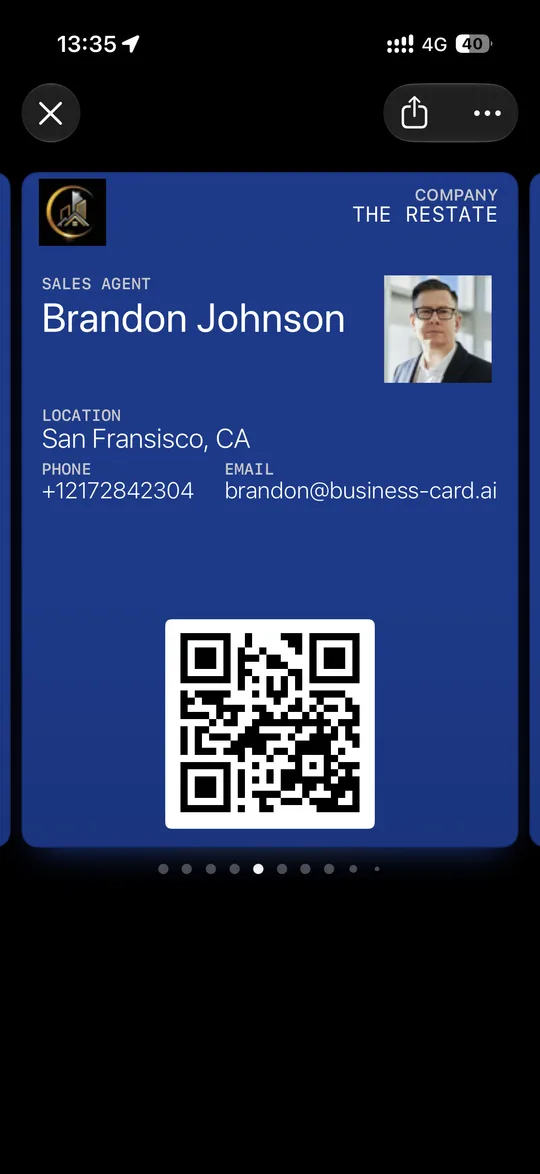
Always One Swipe Away
Your business card lives in Apple Wallet alongside your credit cards and boarding passes. No app to open, no link to remember — just swipe and share.
- Native Apple Wallet integration
- Accessible from lock screen and home screen
- Works alongside your other wallet passes
- Instant access without opening any app
Share with a QR Code Scan
Open the pass in Apple Wallet and show its QR code. The other person scans it with their phone camera and your digital business card opens in their browser, ready to save in one tap.
- Show the QR code on your Apple Wallet pass
- No app required on the recipient's device
- Your pass opens even without internet
- Contacts save directly to recipient's phone
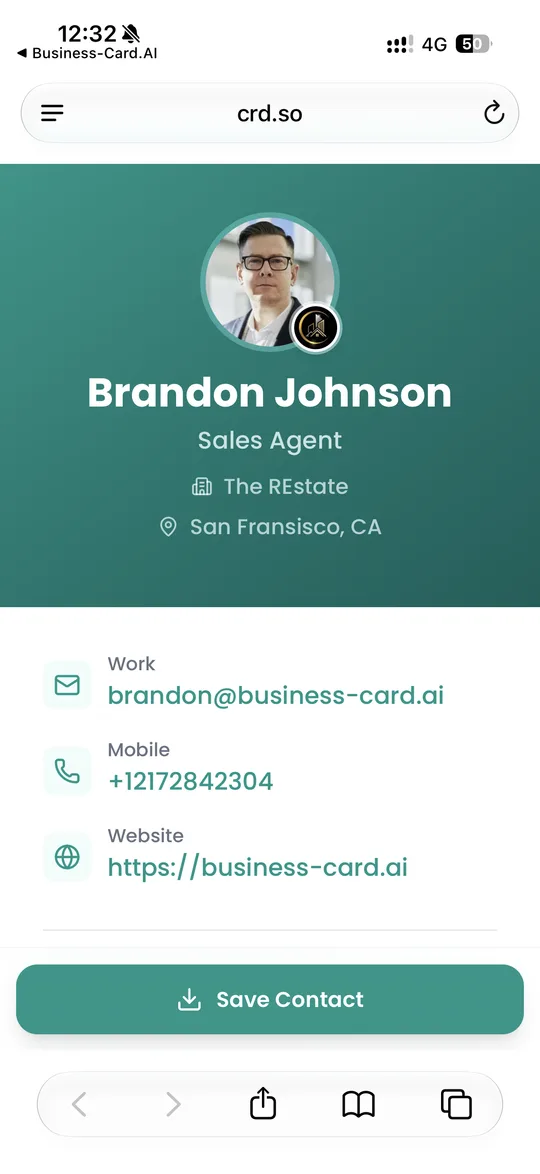
Auto-Updating & Secure
When you update your card details, the wallet pass stored in Apple Wallet on your device updates automatically.
- Real-time sync when you change any details
- Stored in Apple Wallet on your iPhone
- You control exactly what info is shared
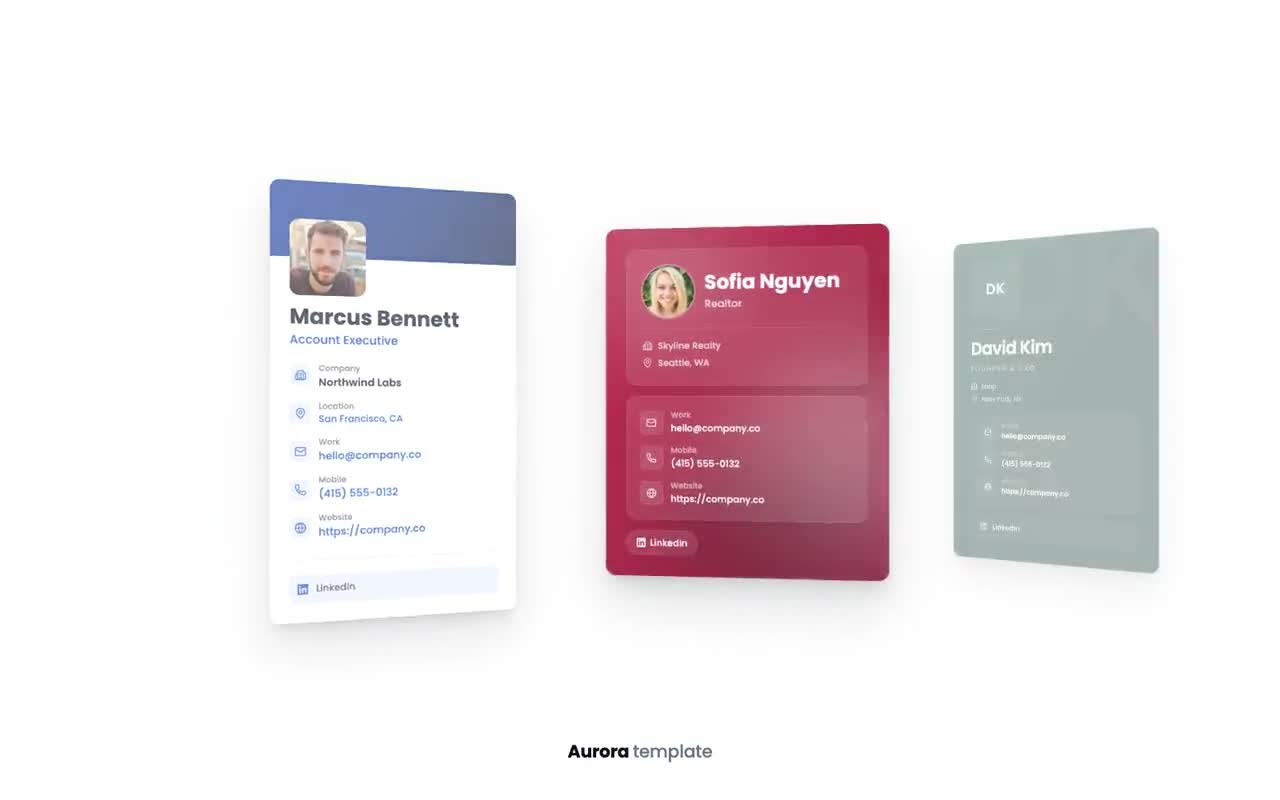
How to add your business card to Apple Wallet
FAQs

Ready to Transform Your Networking?
Join 6,500+ professionals who've already upgraded to digital business cards. Create your free card today and experience the future of networking.